Live TV, Sports & Movies on Every Device
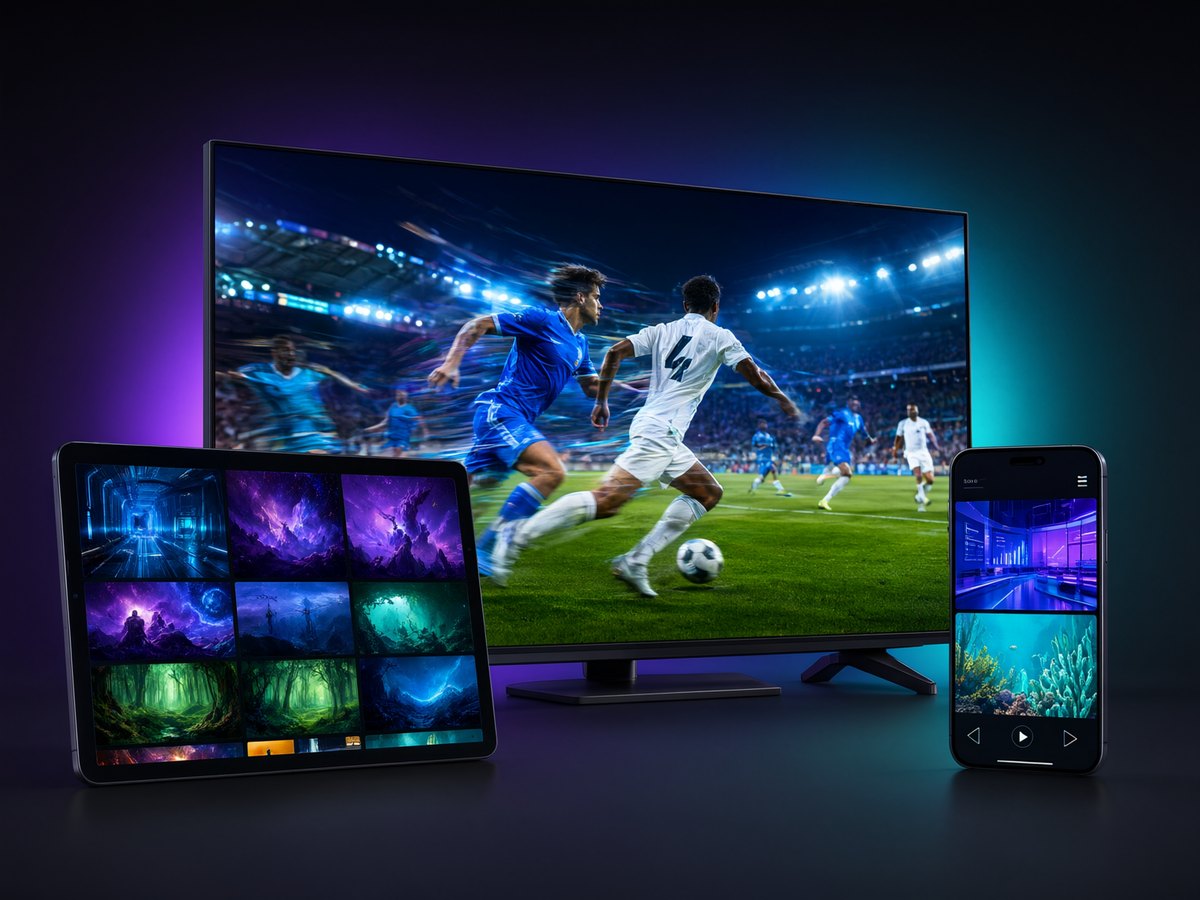
19,000+ live TV channels plus 100,000+ movies and 24,000+ TV series — one subscription, no set-top box, no contract. Works on Fire Stick, Android TV, phones and Windows.
Cash App & USDT · SSL-secured checkout · Login details sent to your email
Membership Plans
Playly TV Yearly Plan — Live TV, Sports & Movies for Android Devices
Watch on any Android phone, tablet, TV box or Fire Stick — 12 months of Playly TV live TV, live sports and movies in one app. No activation code, just sign in.
Playly TV Monthly Plan — Live TV, Sports & Movies for Android Devices
Watch on any Android phone, tablet, TV box or Fire Stick — Playly TV live TV, live sports and movies in one app. 1 month, no contract, no activation code.
What our users say
4.4 out of 5 · 30 reviews
The installation package was tiny and set up in under two minutes on my Android box. No lag, no buffering, and the channel list is huge. Best IPTV app I’ve tried this year.
 StreamHawk_Mike
Solid subscription overall. Sports channels come through in crisp HD and the EPG guide is accurate. Docked one star because a couple of movie channels froze during peak evening hours.
 CordCutterJenny
Installed the APK without any trouble — I just signed in with the details from my order, no activation code needed. Thousands of live channels and the picture quality is stunning on my 4K TV. Highly recommend.
 Rajesh_TV88
Love how easy the setup was. My whole family uses it now. The kids’ channels and Spanish-language content are a great bonus. Occasional freeze but nothing serious.
 Maria_Lopez22
Been using this for six months and it hasn’t let me down once. The subscription renewal was painless and customer support answered my email within an hour.
 BigTonyStreams
The app itself is clean and installs fast, but I had trouble getting some regional channels to load. Support helped me eventually, though it took a day or two.
 quietnomad_07
Perfect for live sports. I watch Premier League every weekend with zero interruptions. The install file was safe and lightweight — no bloatware at all.
 GamerDadDave
Great value for the price. The subscription covers channels from all over the world, which is exactly what I needed being far from home. Buffering only when my wifi dips.
 Aisha_K
Setup on my Firestick took five minutes tops. The interface is intuitive and the on-demand movie library is massive. Couldn’t be happier.
 NorthernLightsTV
I was hesitant at first, but the app works better than expected. Channels load quickly. My only gripe is the EPG being off by an hour for a few networks.
 skeptical_sam
Switched from cable and saved a fortune. The picture is sharper than what I had before, and installing the package on my smart TV was a breeze.
 LindaFromOhio
Reliable service with a great selection of African and international channels. The install was straightforward. Would love more documentary channels added.
 Kwame_Streamz
As someone picky about apps, I’m impressed. Clean APK, no sketchy permissions, smooth playback. The multi-device support is a huge plus for my household.
 techie_lauren
Decent app once it’s running. I needed my grandson to help install it, but after that it worked fine. Wish the remote navigation was a bit simpler for older folks.
 OldSchoolFrank
The subscription paid for itself in a month compared to my old provider. Bollywood, cricket, news — it’s all here in great quality. Install was quick and clean.
 Priya_Watches
Works well even on my average internet connection. The adaptive streaming keeps things watchable. Setup instructions in the email were clear and easy to follow.
 DesertRoadRunner
Zero complaints. Fast install, stable stream, and a mind-boggling number of channels. I’ve recommended it to three friends already, all happy.
 coastal_carl
Good app with a nice variety of Asian channels. The picture quality is excellent. Sometimes it takes a moment to load, but nothing that ruins the experience.
 Yuki_Tanaka
My go-to for family movie nights. The kids section is safe and well organized, and the install was so simple I did it myself without any tech help.
 MamaBear_Steph
Fantastic sports coverage and the subscription price is unbeatable. The installation package installed cleanly on my Android TV with no issues whatsoever.
 Ahmed_Live
It does what it says, mostly. A few channels were dead when I tried them, but the majority work fine. Support said they’d fix the dead ones. We’ll see.
 grumpy_greg
Absolutely brilliant. UK channels, US channels, everything in HD. The setup took minutes and the app hasn’t crashed once in three months.
 Sophie_B_London
I travel a lot and this keeps me connected to home channels wherever I go. Install was quick on my laptop and tablet both. Reliable most of the time.
 RoadWarrior_Tom
Amazing selection of European channels I couldn’t find anywhere else. Signing in was instant and the quality is consistently sharp.
 Elena_Moldova
Great bang for your buck. I cut my TV bill in half. The install file was small and didn’t hog my storage. A couple of buffering moments but overall very happy.
 budget_bill
I watch a lot of late-night international news and this delivers every time. Smooth, stable, and the guide is easy to read. Installation couldn’t have been easier.
 NightOwlNina
Best decision I made for live football. Every match, every league, no blackouts. The app installed in seconds and the picture is crystal clear.
 Carlos_Deportes
The app is good and installed without problems. I just wish there were more subtitle options for foreign films. Otherwise the streaming is smooth and reliable.
 HannahReads
At 68 I’m not great with tech, but even I managed the setup thanks to the clear guide. Now I watch all my favorite channels with no monthly cable headache.
 retired_ray
Really happy with the service. Tons of channels, quick install, and the on-demand library keeps growing. Knock off half a star for the occasional evening lag.
 Zoe_Streams_It
IPTV for Firestick, Android TV and every screen you own
Playly TV turns any Amazon Fire TV Stick or Android TV device into a full live-TV and on-demand entertainment centre. Instead of juggling a cable box and a handful of separate streaming apps, you sign in once and get 19,000+ live channels together with a library of 100,000+ movies and 24,000+ TV series — sports, news, entertainment, kids and international content in a single app. There is no set-top box to rent and no long-term contract: choose a monthly plan for $6.99 or a yearly plan for $59.99 and cancel whenever you like.
Supported devices
Playly TV is built for the devices people actually watch on. It runs on the Amazon Fire TV Stick and Fire TV Cube, on Android TV boxes and smart TVs, and on Android phones and tablets. If you prefer a big screen from your desk, you can also run it on Windows through an Android emulator. There is no activation code to chase down — after you subscribe you receive a server address, a username and a password, and you simply enter those in the app to start watching.
Channels, sports and an on-demand library that keeps growing
The live line-up spans more than 19,000 channels, including live sports, 24/7 news, movie channels, kids' programming and international feeds so you can keep up with content from back home. On top of live TV, the on-demand library holds 100,000+ movies and 24,000+ TV series episodes, and it is updated continuously — new releases and full seasons are added as they land, so there is always something fresh to watch. Everything sits behind one search, so you move from a live game to a boxset without switching apps.
What you can watch on Playly TV
Because Playly TV is a full IPTV service and not just another single-app subscription, the channel line-up is organised the way you actually browse. Live sports fans get major leagues and one-off events without paying for a separate sports package, so you can follow football, basketball, cricket, boxing and motorsport in one place. Alongside sports there are 24/7 news channels, dedicated movie channels, kids' and family programming, entertainment and reality, documentaries, and a deep catalogue of international and regional feeds for viewers who want content from back home. On the on-demand side, the 100,000+ movie library and 24,000+ TV-series episodes are grouped by genre and updated continuously — new releases and full seasons are added as they land, so there is always something fresh without hunting across several different apps.
How much you save versus Netflix, Hulu and cable
Traditional cable and satellite packages routinely run well over $100 a month once boxes and fees are added. Mainstream streaming apps are cheaper individually — services like Netflix and Hulu each cost roughly $8 to $18 a month — but none of them include live sports or a full live-TV line-up, so most households end up paying for several at once and still miss the game. Playly TV covers both live TV and a large on-demand library for $6.99 a month, or $59.99 for a full year, which works out to about $5 a month. For most cord-cutters that is a fraction of a cable bill and less than a single premium streaming subscription.
Why Fire Stick owners choose Playly TV
If you already own an Amazon Fire TV Stick, Playly TV is one of the simplest ways to turn it into a complete IPTV player. There is no extra box to buy, no dish, and no long-term contract — you install one app, sign in with the details from your order, and the full channel guide loads in minutes. Because it runs on the Fire Stick you already have, the only cost is the subscription itself: $6.99 a month or $59.99 for a full year. That keeps IPTV for Firestick well under the price of cable and cheaper than stacking several streaming apps just to cover live TV, sports and movies. And you are not locked to one screen — the same login moves to an Android TV box, an Android phone or tablet, or a Windows PC whenever you want a bigger or smaller display.
Install in three steps
Getting started on a Fire Stick takes just a few minutes:
- Get the app. On a Fire Stick, install the free Downloader app and enter code 7868081 to download Lion ott V2X. On Android TV or phones, install the same app from your app store or the Download page.
- Sign in. Open the app and enter the server address, username and password from your order email — no activation code needed.
- Start watching. Browse the live channel guide or open the movie and TV-series library and press play.
Ready to try it? Pick a plan or read the step-by-step Fire Stick install guide on our blog.
Frequently asked questions
What is Playly TV?
Playly TV is a streaming service that brings live TV channels, sports and movies together in one app, available on Android TV boxes, Fire Stick and Android phones.
Do I need an activation code?
No activation code is required. After you subscribe you receive a server address, username and password — just sign in with those in the app and start watching.
How do I install Playly TV?
If your device already has Lion or compatible middleware, simply sign in. Otherwise download the Lion ott V2X app (Downloader code 7868081) from the Download page and install it first.
Which devices are supported?
Amazon Fire TV Stick, Android TV boxes, and Android phones and tablets via the Lion ott V2X app. You can also run it on Windows through an Android emulator.
How do I get my login details?
Your server address, username and password are delivered to you after purchase, along with your order confirmation.
How do I renew my membership?
Purchase a monthly or yearly plan again before your current one expires. See the Renew page for step-by-step instructions.